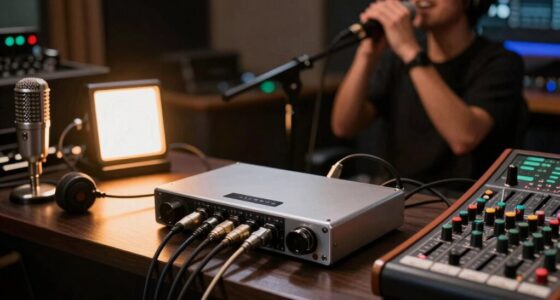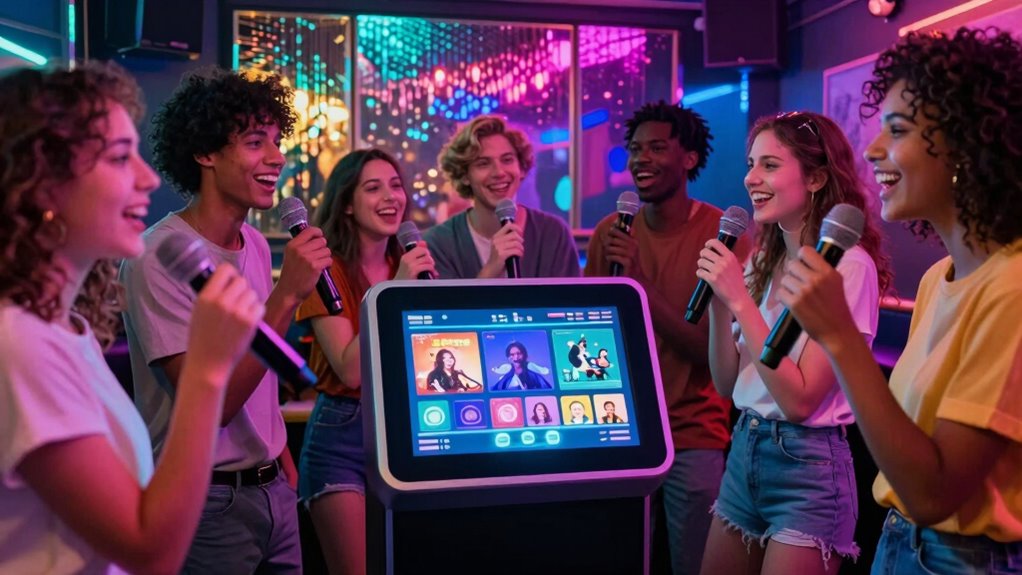

Most people overlook the importance of proper sound setup, which can make or break their karaoke experience. Even if you’ve used a machine for years, you might not realize that speaker placement, connection quality, and calibration are vital for clear, balanced sound. Poor setup leads to distortion and muffled music, ruining your performance. Mastering these basics can dramatically improve your sound—and there’s more you can do to get the best out of your machine if you keep exploring.
Key Takeaways
- Many users overlook proper speaker placement, leading to poor sound quality despite long-term use.
- Inadequate calibration of audio settings can cause distortion and reduce karaoke enjoyment.
- Using low-quality cables or loose connections often results in audio issues over time.
- Failing to test or troubleshoot equipment regularly can cause unnoticed sound problems.
- Most people focus on the machine itself, neglecting essential setup principles that enhance sound clarity.
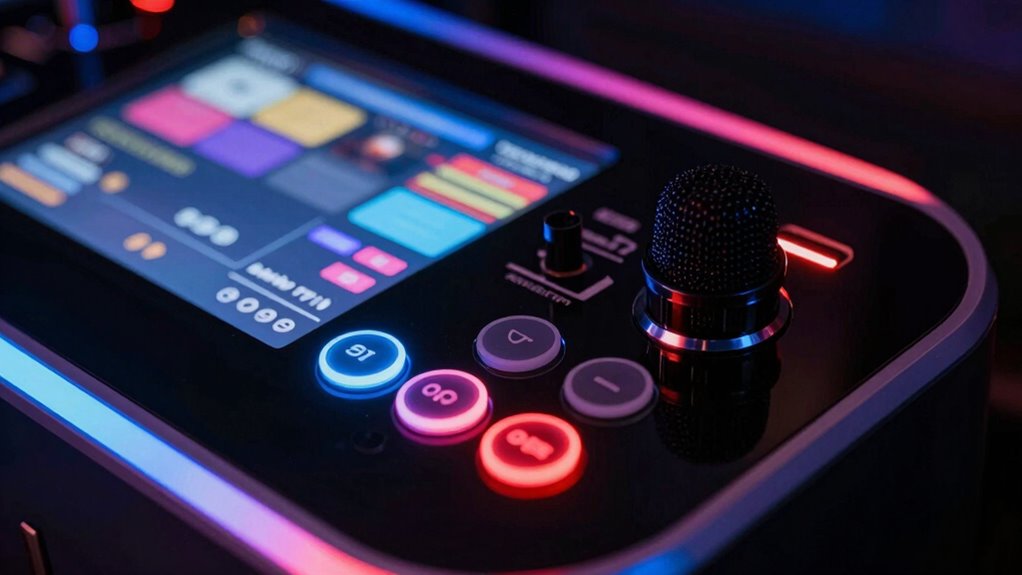
Karaoke machines have become a popular way to bring entertainment into homes, parties, and social gatherings. Yet, many people use these devices for years without understanding a simple but vital aspect: the importance of sound quality and the setup process. While it might seem straightforward to just plug in your machine and start singing, the quality of sound you experience heavily depends on how well you set up your system.
Proper sound setup transforms karaoke fun—maximize quality for confident, enjoyable performances every time.
When you focus on sound quality, you immediately notice a difference in your singing experience. Clear, crisp audio can make your performances more enjoyable and boost your confidence. Poor sound quality, on the other hand, can be frustrating—distorted vocals, muffled music, or uneven volumes can diminish the fun. To improve this, you need to pay attention to the setup process, guaranteeing your speakers are correctly connected and positioned. Proper placement of speakers, at ear level and away from obstructions, can considerably enhance sound clarity. Also, check your connections—loose cables or incompatible ports can cause audio issues that are easily avoidable.
Many people overlook how vital proper setup is to achieving the best sound. You might have a high-quality karaoke machine, but if your speakers are placed incorrectly or your audio settings aren’t adjusted, you won’t get the best experience. Take the time to read the manual and familiarize yourself with the device’s features. Adjust your audio settings for the room size and acoustics; small rooms might need less bass, while larger spaces may require more powerful speakers or additional calibration. Additionally, understanding the contrast ratio of your system can help you optimize your audio environment for better clarity and depth. Knowing how to optimize sound quality can truly make a difference in your overall experience.
Another common mistake is neglecting to test your system before a party. You should do a quick sound check to identify any issues and make adjustments. Whether it’s balancing vocals with the background music or reducing feedback, these small tweaks can make a huge difference. If you’re using external speakers, ensure they’re compatible with your karaoke machine, and test their sound quality beforehand. Using quality audio cables can also prevent static or interference that hampers sound clarity.
Most people don’t realize that a simple, thoughtful setup process can elevate their karaoke experience immensely. It’s not just about having the latest machine; it’s about maximizing what you have. Paying attention to sound quality and taking the time to set up your system correctly guarantees every performance is enjoyable, confident, and loud enough to get everyone singing along. Understanding the sound setup process can transform your karaoke sessions from good to great. Once you understand this basic principle, you’ll enjoy karaoke sessions far more and get the most out of your machine for years to come.
karaoke speaker placement stands
As an affiliate, we earn on qualifying purchases.
As an affiliate, we earn on qualifying purchases.
Frequently Asked Questions
Can Karaoke Machines Connect to Bluetooth Speakers?
Yes, karaoke machines can connect to Bluetooth speakers. You just need to guarantee proper Bluetooth pairing by turning on Bluetooth on both devices and selecting the speaker from the karaoke machine’s list. Keep in mind, speaker compatibility matters; some speakers work better than others. Once paired, you’ll enjoy wireless sound, making your karaoke experience more flexible and fun without messy cables.
How Do I Update the Firmware on My Karaoke Machine?
Think of firmware updates as a tune-up for your karaoke machine’s soul. To update, visit the manufacturer’s website and download the latest firmware. Connect your device via USB or Wi-Fi as instructed, then follow on-screen prompts to install the update. This process helps with technical troubleshooting, fixing bugs, and improving performance. Keep your machine in sync, and your karaoke nights will stay smooth and worry-free, hitting all the right notes.
Are There Portable Karaoke Machines With Rechargeable Batteries?
Yes, there are portable karaoke machines with rechargeable batteries. These models focus on battery life and portability features, making them perfect for outdoor or on-the-go use. You can enjoy hours of singing without needing to plug in, thanks to their long-lasting rechargeable batteries. Look for options with good battery life and compact designs, so you can easily carry them around and keep the party going wherever you are.
What’s the Difference Between Analog and Digital Karaoke Machines?
Analog karaoke machines process sound signals directly, relying on physical components, while digital machines convert audio into digital data for advanced signal processing. This difference impacts sound quality; digital models often offer clearer audio due to digital audio compression, reducing noise. You’ll notice that digital machines can also include features like echo effects and pitch correction, enhancing your singing experience, whereas analog devices focus on straightforward sound transmission.
How Can I Improve Sound Quality on My Karaoke Setup?
To improve sound quality on your karaoke setup, focus on microphone placement and room acoustics. Keep the microphone at an appropriate distance from your mouth, avoiding too close or too far, to prevent distortion. Additionally, optimize your room acoustics by minimizing echo and sound reflections with soft furnishings or acoustic panels. These adjustments help produce clearer vocals and a better overall listening experience, making your karaoke sessions more enjoyable.
karaoke machine audio calibration tools
As an affiliate, we earn on qualifying purchases.
As an affiliate, we earn on qualifying purchases.
Conclusion
Once you realize that understanding your karaoke machine’s basic functions is like opening a secret level in a game, you’ll find it much easier to enjoy. I once watched a friend struggle through a song until he learned to adjust the settings—suddenly, his voice sounded like a pro. Don’t let confusion hold you back; mastering these basics is your key to confidently singing your heart out and making every karaoke night unforgettable.
high quality audio cables for karaoke
As an affiliate, we earn on qualifying purchases.
As an affiliate, we earn on qualifying purchases.
karaoke system sound testing equipment
As an affiliate, we earn on qualifying purchases.
As an affiliate, we earn on qualifying purchases.